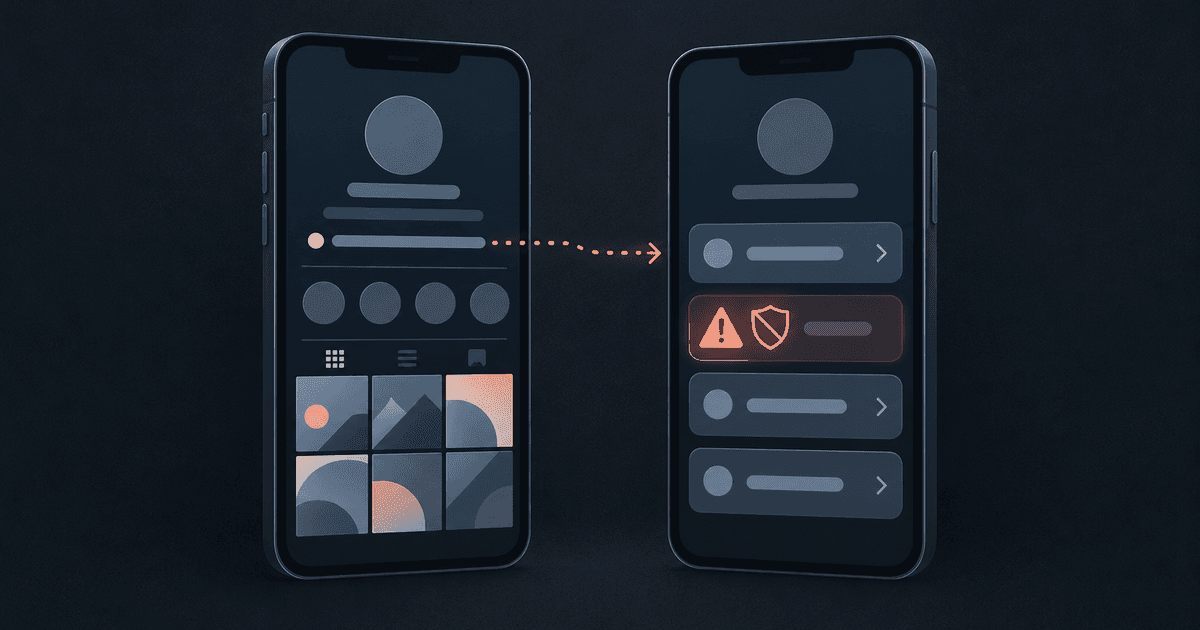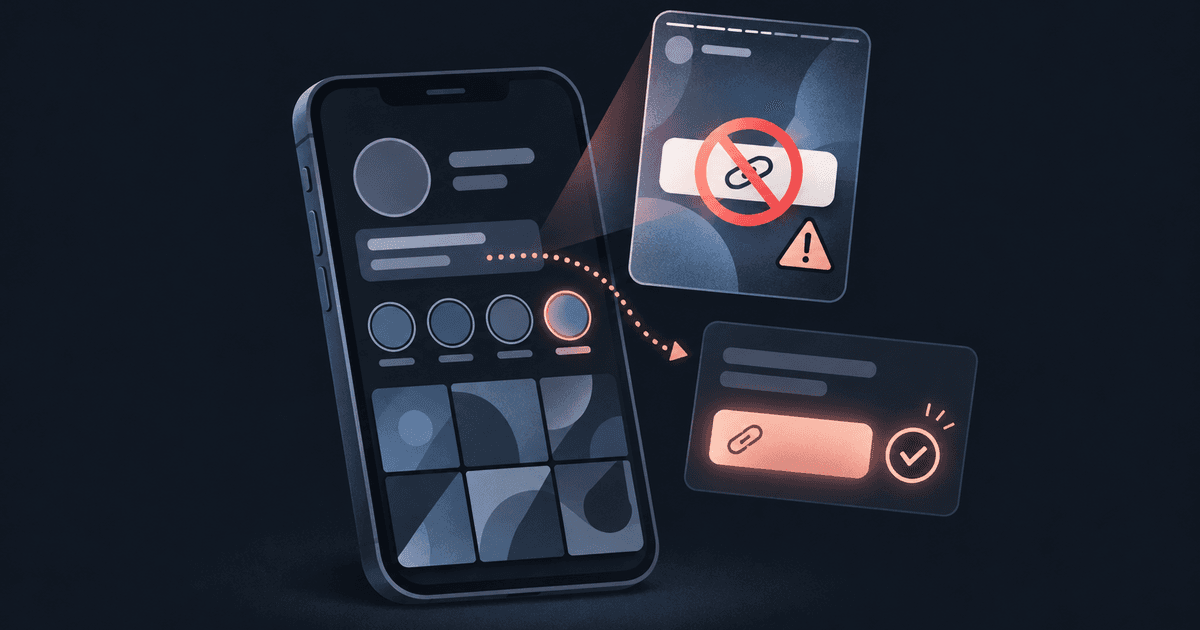
You saved a story with a link sticker to your highlights, because it was the one place your link seemed safe. Then the account got flagged. You weren't banned, but Instagram stopped showing you to people who don't follow you. So you pulled the highlight, and now you're wondering how anyone is supposed to find your page.
What creators are reporting about highlight links
In May 2026, creators began reporting that Instagram now checks link stickers saved to story highlights as well as the link in your bio. The reports follow a consistent pattern:
- The account is marked as not recommended to non-followers. It is not banned.
- Views drop, sometimes right after a highlight with a link goes up.
- New accounts that post links straight away report being blocked from sharing links for about a month.
Meta has not confirmed any highlight crackdown. All of this comes from creators comparing notes, with no announcement behind it, so treat it as a strong pattern and nothing firmer.
What is on record is that Instagram has separate Recommendations Guidelines, and they set a higher bar for anything shown to people who don't follow you. That's why an account can stay live and still vanish from Explore and Suggested.
Before you delete anything, read Account Status
Many creators pull the highlight first and check later, and then they never learn what was actually flagged. It could be the highlight. It could also be your bio, your profile photo or a single post.
On a professional (creator or business) account:
- Open your profile, tap the menu, then tap Account Status. The menu path has moved before, so search the settings for "Account Status" if you can't find it.
- Check whether the account can be recommended to non-followers. If the account itself isn't eligible, none of your posts will be recommended, however clean each one is.
- Look at what it lists. Account Status can point to your bio, your profile photo or specific posts.
- Fix or remove the thing it names. If that was the highlight, delete it then.
- If you think the call is wrong, use "request a review".
- Watch your reach afterwards.
Deleting the wrong thing costs you content and fixes nothing. Read Account Status first, then remove only what it names.
"Not recommended" still leaves you your followers
A recommendation flag limits your reach to strangers. Your existing followers still see your stories, posts and bio.
That changes the job. Getting found by new people matters less for now than moving the people who already follow you somewhere you control.
These are the routes creators report still using:
- The bio link, pointing to a plain, neutral page that you control. Stories can send people there with "link in bio" instead of a sticker. (If you're weighing tools for this, see whether Linktree is safe.)
- DMs, where you send the address to people who ask.
- A Telegram group or channel. Some creators use their landing page just to move people there.
- Name search, with bio text telling people to search your creator name plus the platform.
- A second account, run cleanly, as a backup.
Whatever your landing page says counts too. Keep the public page plain and neutral in its wording, with nothing on it you wouldn't show a stranger.
Which channel still brings people in?
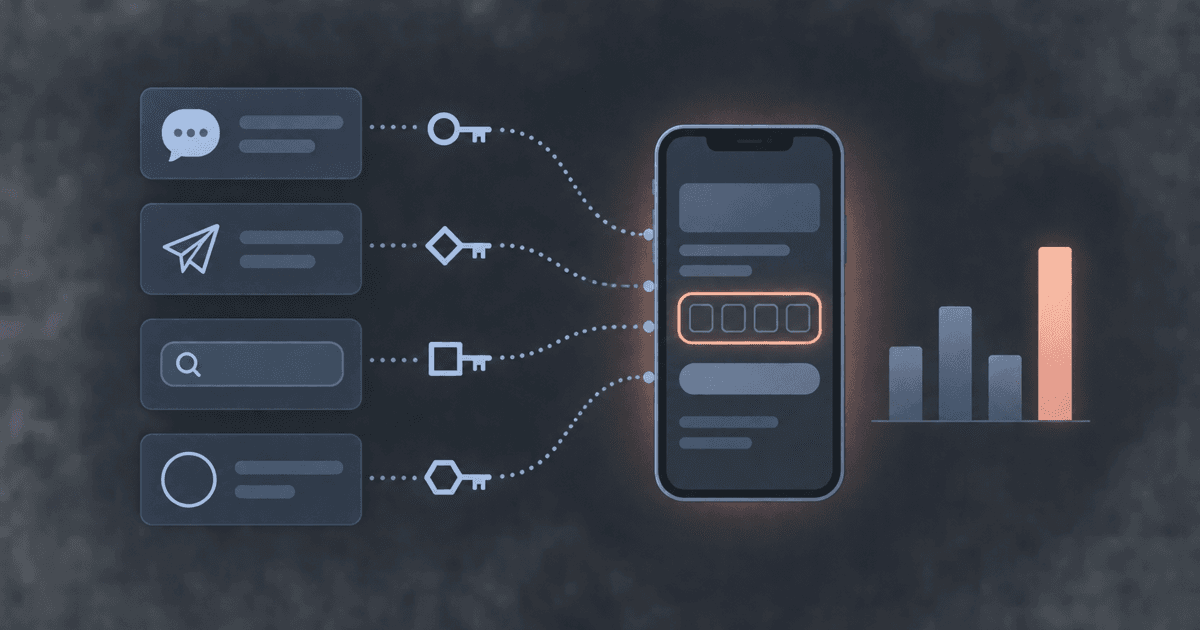
After a flag, you spread your link across four or five places and have no idea which one is working. If every channel uses the same link, every visit looks the same. So give each channel its own way in, and count it.
On comein, your public page is the door. It's one plain page that looks the same to everyone. Your private pages sit behind a key, a short code you hand out, and they aren't part of the public page at all until someone enters one. Visitors need no account: they type the key into a single field and tap.
One key per channel
You can make several named keys, one per channel, and each keeps its own count of how many people used it:
| Where you share it | Key label | What the count tells you |
|---|---|---|
| Instagram DMs | dm | Whether DMs still convert after the flag |
| Telegram group | tg | How many of your group actually come through |
| Backup account bio | backup | Whether the second account is worth the effort |
Each key can have its own expiry, a limit on uses and a revoke button. If a code leaks somewhere you didn't intend, revoke that one key and the others keep working.
The public page has its own analytics too: views, clicks, click-through, the referring site, campaign tags, country, device and hour. People who find you by searching your name show up under the referring site. Add a campaign tag to the address you use in each place, and you can see which one sends traffic to the door and which key brings people through to your private pages.
Give it a couple of weeks of counts, then drop the channels that bring nobody in.
Keep one address that doesn't change
When the link keeps moving, followers lose you. Pick one address and keep it. On comein, your page lives at comein.cc/yourname and yourname.comein.cc, with a permanent QR code and share card that always point to your current page.
Your name stays yours too. Your email is for login only and is never shown, and there's no password.
comein gives you a public page, keys for your private pages, and a count of which channel brought each person in. See how comein works.