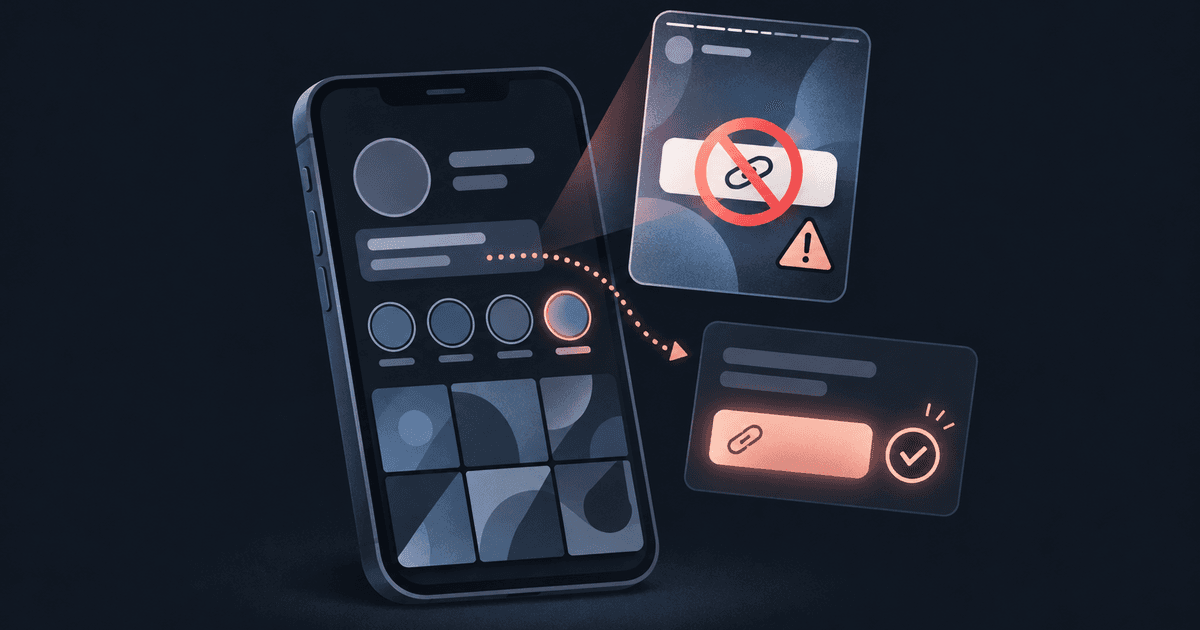
If you're building a following on Instagram, the bio link is the hard part. Should you put your subscription page in a Linktree? Or link your X account and let people find their way from there?
Linktree will host the link. It won't protect you on Instagram, though. A link page is a signpost, and Instagram looks past the signpost at where it leads and at how your account behaves.
What Instagram's rules say about subscription links
Meta's Adult Sexual Solicitation policy (last updated May 2025) treats these three cases differently:
| What's linked | What Meta does |
|---|---|
| Links or usernames for porn websites | Removed |
| Links, usernames or logos for adult subscription sites | Kept up but restricted to viewers 18 and over |
| Solicitation plus any sign of a price or transaction | Removed |
A subscription site link doesn't get removed just for being there. It gets age-restricted, which limits who can see it. Add wording that reads like an offer with a price attached ("DM for my menu", "$5 tonight only") and you're in the case that gets removed.
Why suggestive posts stop reaching new people
Instagram also keeps suggestive posts out of recommendations. In its own creator guidance (2022, updated 2023) it says content such as see-through clothing isn't eligible for Explore, Reels recommendations or search. Your followers still see it. New people don't.
Instagram's help centre adds that recent guideline violations count against the whole account when it decides what to recommend. So past bans follow you. You can check where your account stands under Settings > Account > Account Status.
What Linktree does with an OnlyFans link
Linktree's Community Standards (April 2025) let you link to adult content if it's legal where you are and marked as sensitive. You can't upload adult images to the Linktree page itself.
Two details from Linktree's help centre (June 2025) catch creators out:
- Linktree applies or suggests a sensitive label for certain domains. For some, the label is permanent and only an appeal removes it.
- A labelled link can show "This link is unavailable, as it does not comply with the guidelines of the platform you came from", with no way to continue. Someone who opens your page directly may still get through.
That means a link Linktree allows can still be a dead end for your Instagram visitors. Linktree suits creators who want a big, familiar tool and are happy with those rules. Just know the rules before you build your Instagram funnel on them.
What Instagram weighs, and what you control
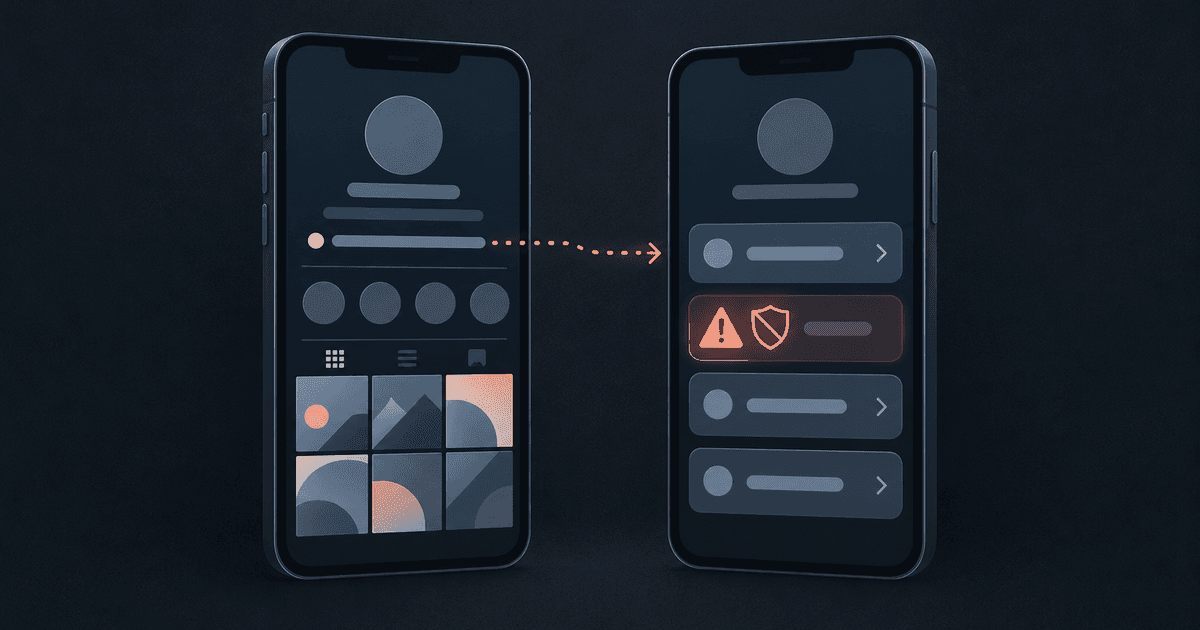
No link tool decides whether you get flagged. Instagram weighs several things at once, and each one has a part you can change:
| Instagram looks at | You control |
|---|---|
| Where your bio link leads | What sits on the page it opens first |
| Your bio and caption wording | Whether it reads like an offer or a price |
| What your posts and Stories show | How suggestive the content is |
| Your account's history | Staying clear of new strikes |
Rule of thumb: the page your bio opens should be one you'd be happy for an Instagram reviewer to read, because one may.
A bio link setup that gives Instagram less to misread
- Make the first page neutral. Your name, a short line about what you make, your socials, maybe a newsletter or a Telegram. The subscription site can be there, just not as the first or biggest link.
- Keep the bio plain. Leave out prices, "DM me for" lines and hints at what's behind the link.
- Skip coded spellings. They read as trying to dodge the rules.
- Show everyone the same page. Some tools pitch "stealth" links that show Instagram's crawler something different from what people see. A public page that's safe as it stands is the only version that holds up.
- Put the private links one step back, behind a check or a code rather than on the public page.
- Track clicks per source. If an account gets restricted, you still want to know which platform was sending you people.
Where comein fits
comein is a link-in-bio page that stays yours when an account doesn't. If you lose an account, your page, your analytics and your QR code carry over to the next one. It has two sides.
The door is your public page at comein.cc/yourname. Every visitor gets the same page, whoever sent them, crawlers included. Instagram traffic sees exactly what everyone else sees.
The key is a code you hand out, to subscribers or a Telegram group, say. Entering it opens private pages that aren't in the public page at all until someone has it. Visitors don't need an account: it's one field and one tap.
What that looks like day to day
- Links you mark as sensitive, or that comein recognises by their destination, stay off the public page and only appear after a visitor passes a quick human check.
- You can give your subscribers one key, your Telegram group another and your newsletter a third. Each key counts its own uses and has its own expiry, use limit and revoke, so you can see which group brings people in.
- Your analytics survive a lost account: views, clicks, referring site, campaign tags, country, device and hour, without storing any visitor's IP address.
- You sign up under your online name. Your email is only for logging in and is never shown, and there's no password.
- Your QR code and share card always point to your page, so you can post them on your next account if you lose this one.